
UX Foundations
Understand users, problems, research, personas, journeys, information architecture and user flows.
3-Month Live Online UI/UX Course in
Learn UX, UI, Figma and AI-powered design workflows through practical projects with Photoshop and Illustrator essentials to support your design workflow.





Teaching Language: Tamil + English Industry Terminology

Beginner-friendly • No previous UI/UX experience required

Build 2–3 practical UI/UX projects and develop portfolio-ready case studies.

UI/UX design is no longer just about creating attractive screens. Modern designers need to understand users, solve problems, design useful experiences, create interfaces, work efficiently with modern design tools and use AI thoughtfully throughout the design process.
Understand users and solve problems.
Design clear, modern interfaces.
Build digital products using Figma, with Photoshop and Illustrator essentials.
Use AI thoughtfully for research, ideation, content and design workflows.
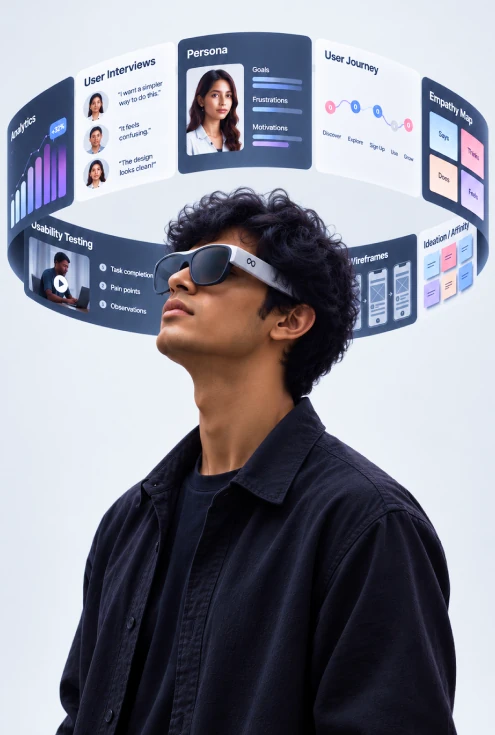
Understand users, problems, research, personas, journeys, information architecture and user flows.
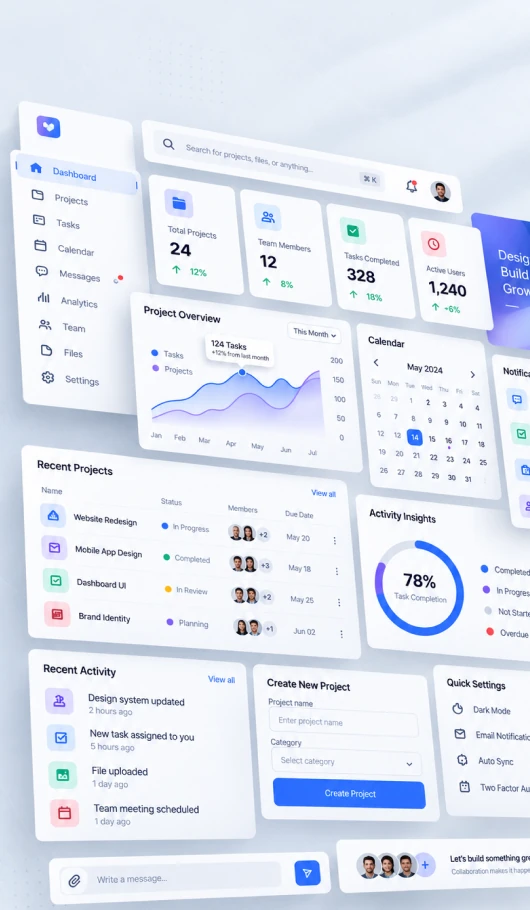
Learn typography, colour, spacing, grids, visual hierarchy and interface design.
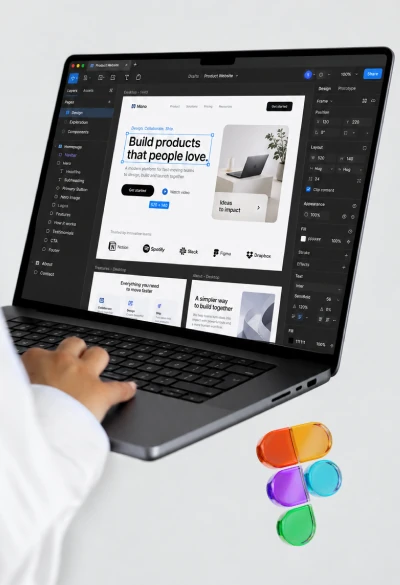
Learn the features and workflows needed to design real digital products.
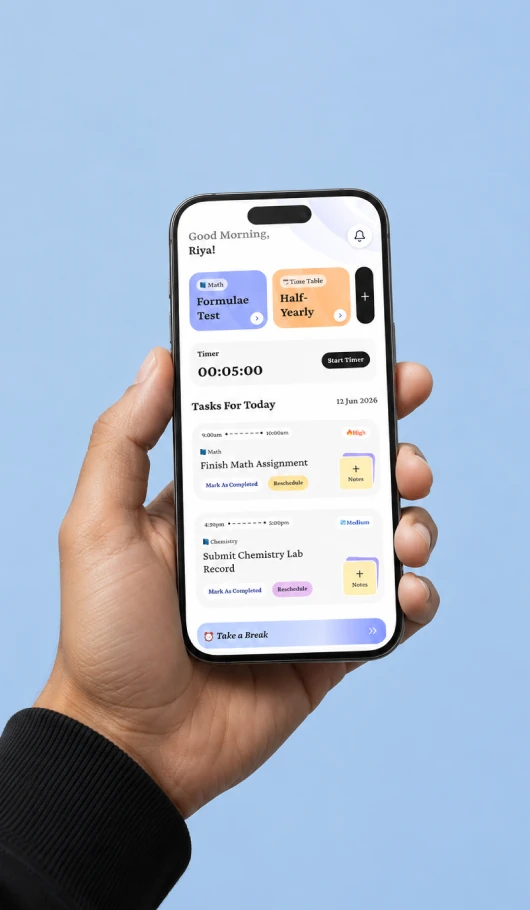
Turn your designs into interactive experiences.
Learn practical AI workflows that can support modern design work.
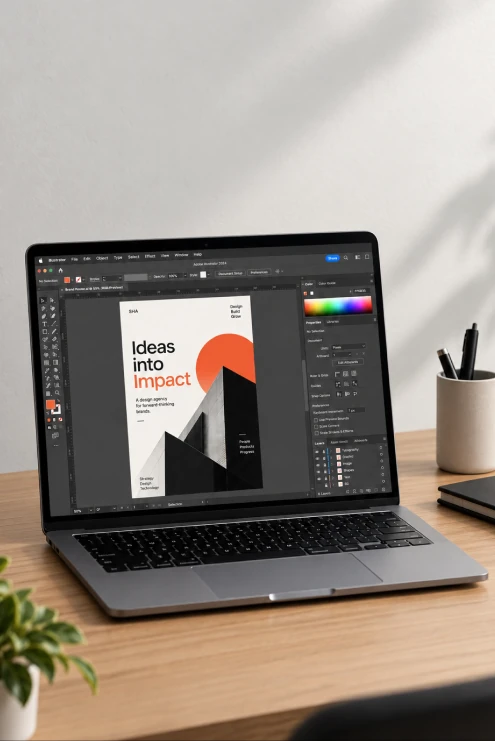
Learn the Photoshop skills relevant to UI/UX and digital design workflows.
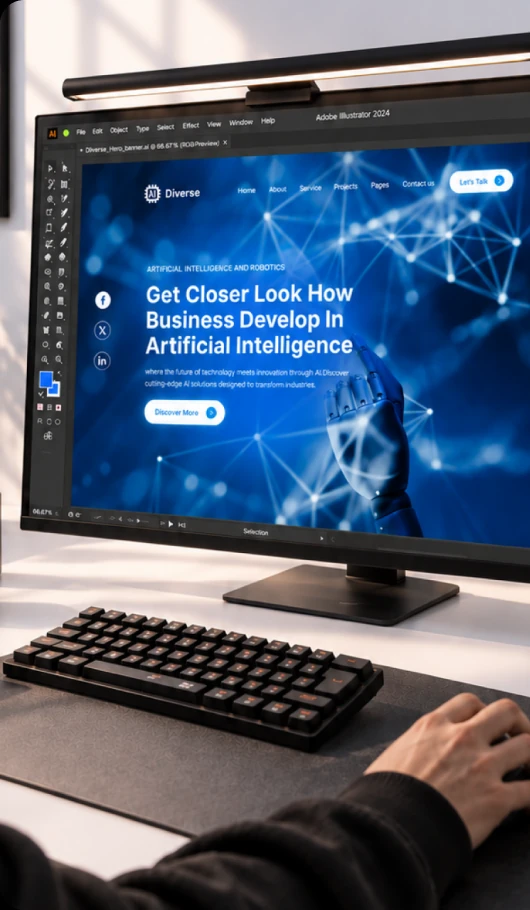
Learn essential vector and graphic-design workflows that complement UI/UX work.
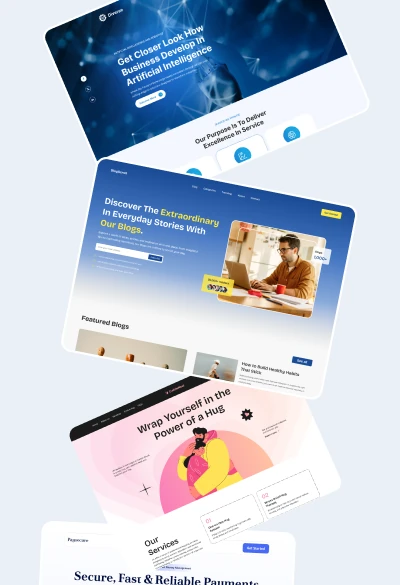
Turn your projects and design process into professional case studies.
Learn typography, colour, spacing, grids, visual hierarchy and interface design.
Turn your designs into interactive experiences.
Learn the Photoshop skills relevant to UI/UX and digital design workflows.
Turn your projects and design process into professional case studies.
Understand users, problems, research, personas, journeys, information architecture and user flows.
Learn the features and workflows needed to design real digital products.
Learn practical AI workflows that can support modern design work.
Learn essential vector and graphic-design workflows that complement UI/UX work.
AI isn't replacing design thinking. But designers who know how to use AI effectively can explore ideas, research faster, generate content, communicate concepts and streamline repetitive tasks.
A UI/UX designer needs to understand the user, identify problems, organize information, design the experience and create an interface that is clear, useful and easy to use.


Explore concepts and directions.

Assist with personas, user scenarios & flows.

Summarise and organise research inputs.

Explore visual directions and interface ideas.

Reduce repetitive design tasks and speed up workflows.

Generate and refine UX/UI copy.

Watching a designer create a screen can teach you where things go. Practice teaches you why they should go there.

Concept explained clearly.

Mentor demonstrates the process.

You apply it to your project.

Discuss your work and decisions.

Iterate and develop your design.
Concept explained clearly.
Mentor demonstrates the process.
You apply it to your project.
Discuss your work and decisions.
Iterate and develop your design.
Every project is an opportunity to apply what you learn — not just another tutorial to watch.
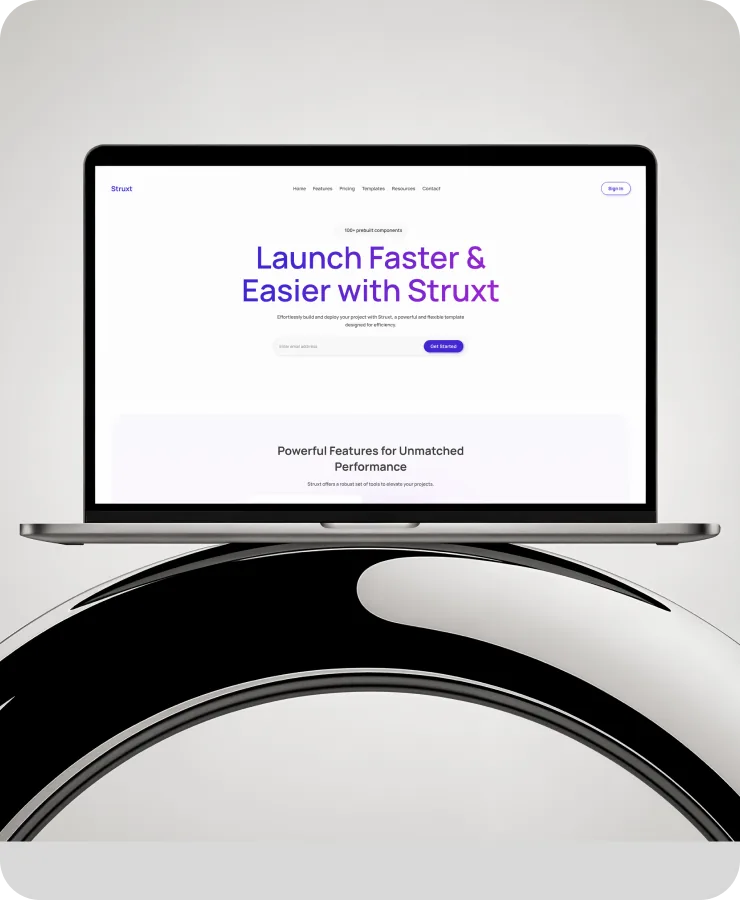
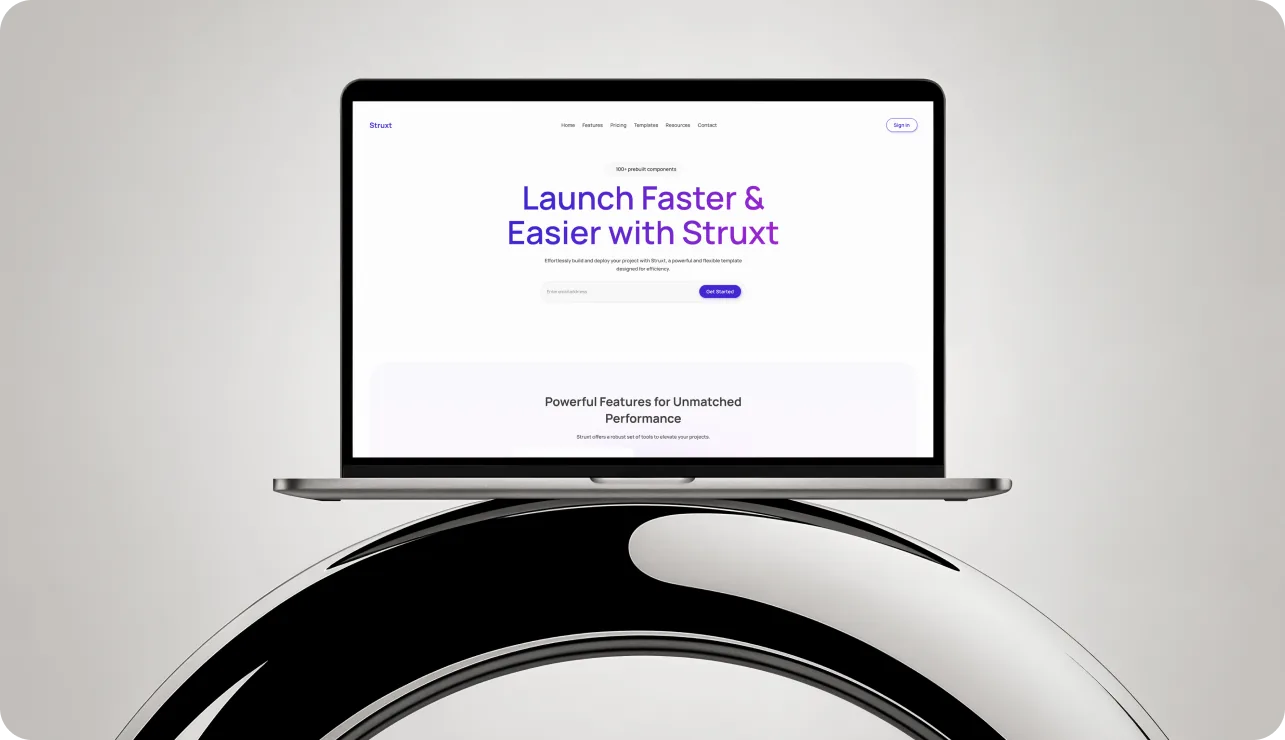
Powerful, flexible template to build and launch your projects with ease.
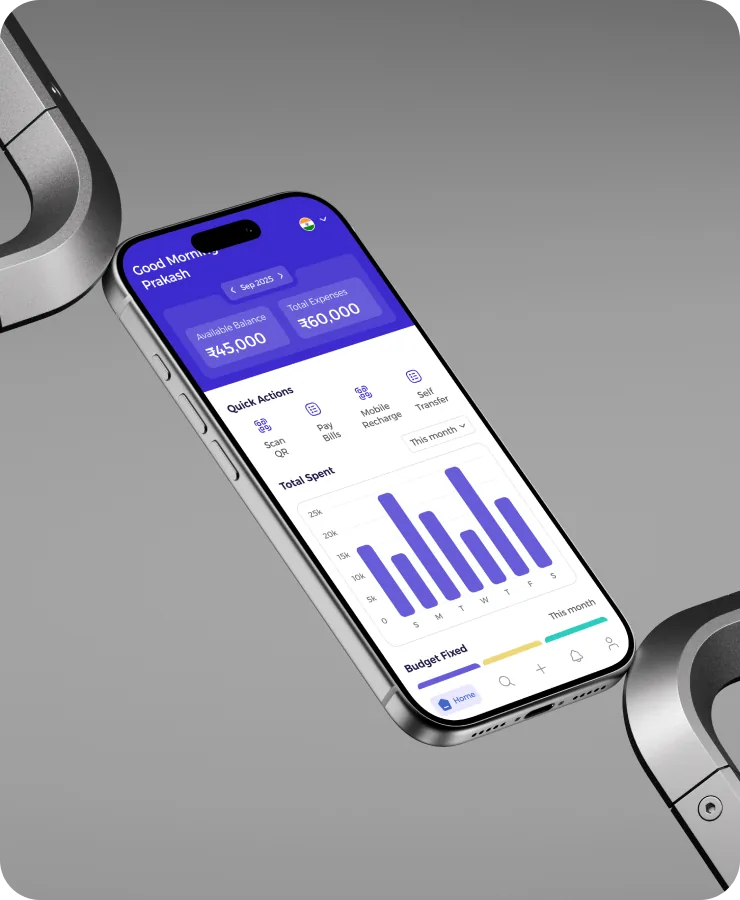
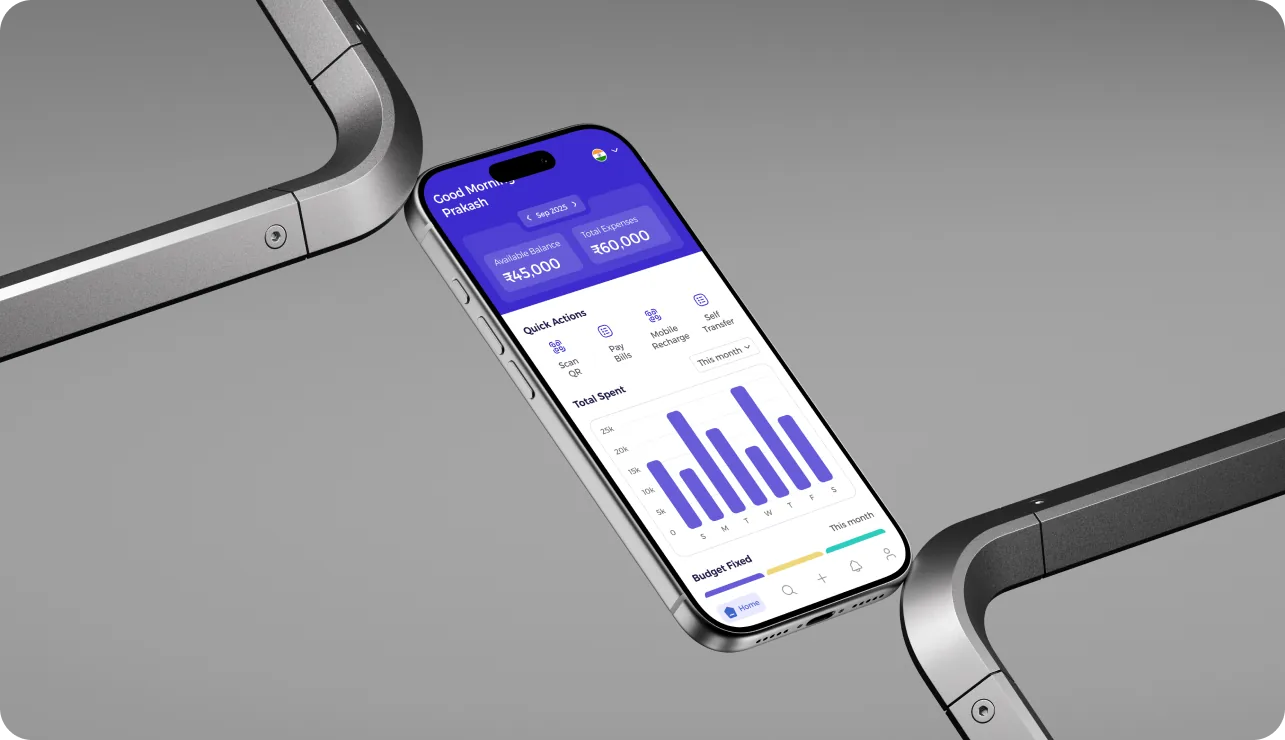
Track your spending, manage your budget, and stay in control.

Smart digital marketing solutions that drive real growth.
Whether you're in your second year, final year or have recently graduated, this course gives you a structured path to start learning UI/UX and building practical projects.


Start building your design foundation before graduation.

Develop practical skills and portfolio projects alongside college.

Turn your learning into projects and start building a professional portfolio.

•No previous UI/UX experience required.

Only the basic essentials to get you started.

A laptop/desktop

Basic computer skills

Commitment to practice

Internet connection

Willingness to receive feedback

None of these are required to begin.

A design degree

Previous UI/UX experience

Figma experience

Coding knowledge

Fluent English

Professional experience

Advanced design skills
A Certificate can show that you completed a course. A portfolio can show what you can actually do.

Identify a real user problem and understand what needs to be solved.

Gather insights about your users, their needs, goals, and pain points.

Turn your research into meaningful findings that guide your design decisions.

Plan how users will navigate through the product to achieve their goals.

Create the basic layout and structure of your product before visual design.

Create a polished interface using typography, color, spacing, and visual hierarchy.

Connect your screens to create a realistic, clickable product experience.

Test your design with users and identify areas that need improvement.

Use feedback and testing results to refine and improve your solution.

Present your complete design journey, decisions, solution, and final outcome.
A Certificate can show that you completed a course. A portfolio can show what you can actually do.
Identify a real user problem and understand what needs to be solved.
Gather insights about your users, their needs, goals, and pain points.
Turn your research into meaningful findings that guide your design decisions.
Plan how users will navigate through the product to achieve their goals.
Create the basic layout and structure of your product before visual design.
Create a polished interface using typography, color, spacing, and visual hierarchy.
Connect your screens to create a realistic, clickable product experience.
Test your design with users and identify areas that need improvement.
Use feedback and testing results to refine and improve your solution.
Present your complete design journey, decisions, solution, and final outcome.
Research → Understand → Structure → Wireframe
Research → Understand → Structure → Wireframe
Wireframe → Visual Design → Components → Responsive UI → Prototype
Wireframe → Visual Design → Components → Responsive UI → Prototype
Join a free live demo and see how we teach UI/UX before deciding to enrol.



3 Months

Live Online

Google Meet

Tamil + English terminology

Designed for Beginners

Practical

Included

Course completion certificate

Limited seats

Upcoming Batch 2026

Convenient Batches (Fits Your Daily Routine)

5 sessions/week • 90 minutes/session

₹15,000
Split payment available — pay in installments
 3 months live classesFigmaPhotoshop EssentialsPractical projectsMentor feedbackCourse resourcesUX + UIAI workflowsIllustrator EssentialsAssignmentsPortfolio/case-study guidanceCertificate
These are potential career directions—not guaranteed job outcomes. The course focuses on helping you develop practical design skills, projects and portfolio work that you can use when pursuing UI/UX opportunities.

Design intuitive user experiences and visually engaging interfaces for websites, apps, and digital products.

Create modern, user-friendly interfaces using visual design, typography, color, layouts, and design systems.
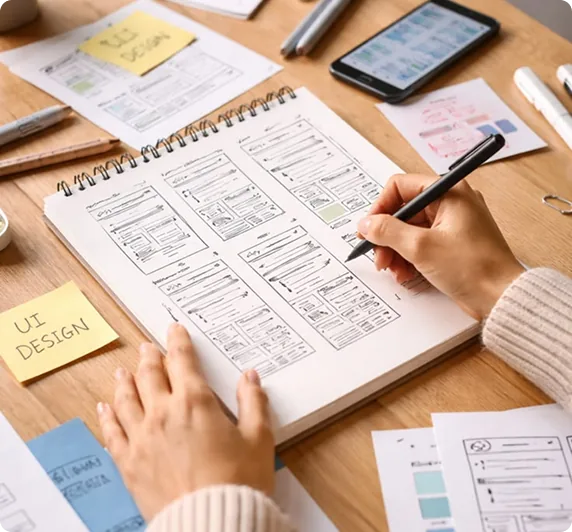
Research user needs and design seamless user journeys, wireframes, prototypes, and digital experiences.

Design end-to-end digital products by combining UX research, UI design, prototyping, testing, and problem-solving.

Design responsive, engaging, and conversion-focused websites and landing pages for businesses and brands.

Work independently with clients to deliver professional UI/UX design, website design, and digital product solutions.
Yes. The course is designed from the ground up for beginners. No previous design or technical background is required.
Yes. 2nd-year college students can join and start developing industry-relevant UI/UX skills and real projects early.
Yes. Final-year students can join to build strong portfolio case studies and prepare for design career opportunities upon graduation.
Yes. Recent graduates looking to transition into digital product design or build in-demand UI/UX and AI skills are welcome.
No. We teach Figma from scratch, starting with core interface mechanics up through advanced responsive auto-layouts and design systems.
No. UI/UX design focuses on user research, usability, wireframing, and visual interface creation. Zero programming is required.
Yes, concepts are primarily explained in Tamil with English industry terminology so you can easily understand and work professionally.
Yes. All sessions are live and interactive online classes conducted through Google Meet with direct mentor interaction.
Yes. Session recordings are provided so you can revisit complex topics, follow along with practical walkthroughs, and catch up if you miss a class.
We do not provide job guarantees. The course focuses on providing practical skills, real-world portfolio case studies, and career guidance so you can confidently pursue UI/UX roles.
A modern laptop or desktop capable of comfortably running Google Chrome (or any modern web browser), Figma, and Google Meet.
Around 4 hours per week dedicated to hands-on practice, assignments, and iterative portfolio design work.
You'll need access to a laptop/desktop, a modern web browser and the tools used throughout the course. Any paid third-party software or AI subscriptions will be clearly communicated before they are required.
No. We do not guarantee jobs or salaries. The focus is on building practical skills, projects, portfolio work and the ability to communicate your design decisions.

Build projects and case studies throughout the course.

Ask questions, discuss decisions and receive feedback.

Learn concepts and immediately apply them.

Understand complex concepts comfortably while learning professional terminology.

Learn design with an understanding of how digital products are actually built.

Receive confirmation and onboarding details.

Get access to the live class schedule and course resources.

Attend live sessions, practice and complete assignments.

Apply what you learn to practical UI/UX projects.

Turn your strongest work into case studies.